- 19.05.2026
- AI
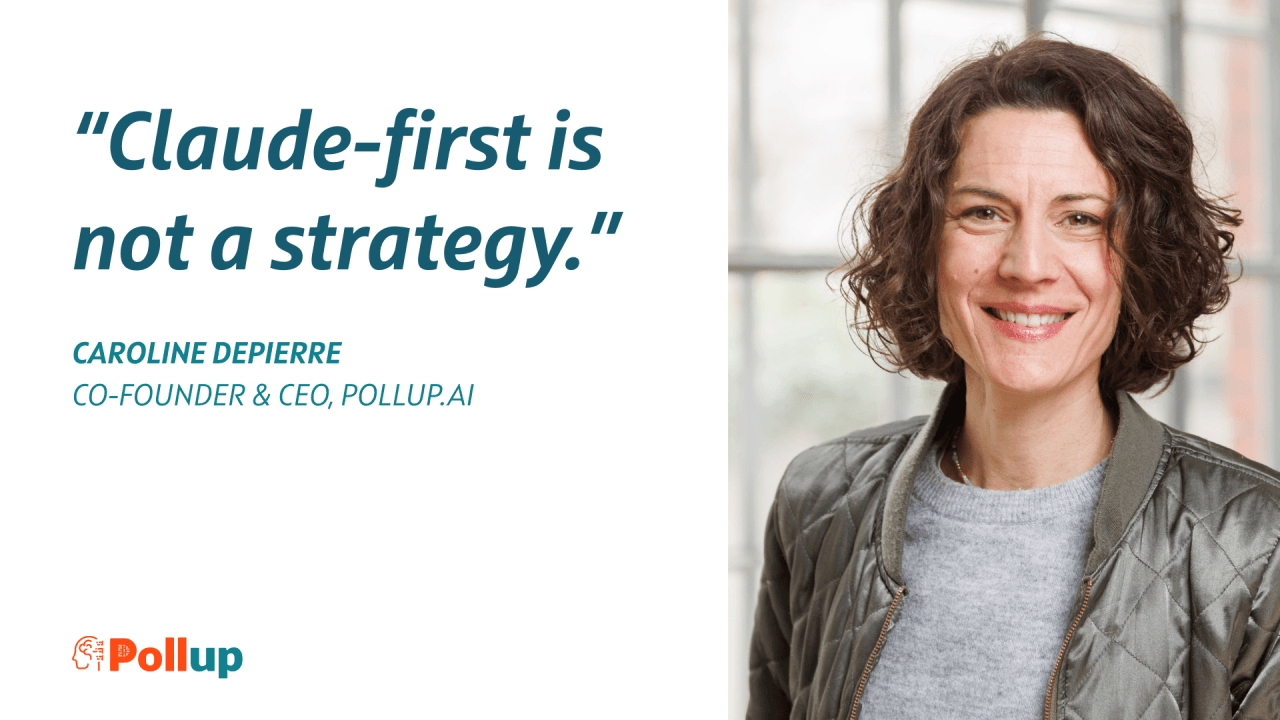
Your CRM isn’t the problem. And "Claude-first" isn't the solution
Last year at YC AI Startup School, Andrej Karpathy laid out what he called Software 3.0: natural language becoming a programming interface, prompts starting to behave more like operational instructions, and LLMs becoming part of the computing layer.
That sounded abstract then. Now we’re here. But if you think of it, the conversation isn’t really about Claude or LLMs.
TLDR: The text analyses the transformation of CRM systems from stagnant data repositories into functional tools through the use of artificial intelligence. While large language models like Claude offer a more intuitive interface layer for synthesising account history and drafting communications, the author warns against treating AI as a simple "plug-and-play" feature. To achieve durable architecture, businesses must prioritise high-quality data foundations, deterministic workflow structures, and rigorous maintenance over mere prompt usage. This approach ensures traceability and compliance, preventing the risks associated with model hallucinations or "garbage in, garbage out" results. Ultimately, the source advocates for a model-agnostic strategy where AI augments a well-governed system rather than acting as a standalone solution. The overarching goal is to make complex CRM data genuinely actionable and scalable for customer success teams
Our customers tell us they’re using Claude to prompt their CRM — for account analysis, call prep, customer documentation, renewal support, follow-up drafting. We’re not surprised. We use it ourselves every day for exactly those things and many others. The use cases are real. The productivity gains can be very real, especially in repetitive, context-heavy work. And this isn’t Claude-specific. Other models work too.
Most CRMs are full of data that nobody uses. Not because the data isn’t valuable, but because the interface to access it, interpret it and act on it is terrible. You need to know where to look, how to filter, what to cross-reference, which notes matter, which signals are outdated and which fields are reliable. Most people don’t have time for that. So they rely on what they remember, what’s in their inbox, and what their gut tells them.
Claude changes that interface. Suddenly anyone on the team can ask a question and get a structured answer based on account history. Suddenly post-sales has access to context that used to live mostly in the head of the original AE, the CSM or the person who “just knows the account”. Suddenly pattern recognition across 50 accounts doesn’t necessarily require an ops analyst. It requires good context and a well-structured workflow.
That’s the real opportunity. Not “AI for CRM” as a feature. Claude as an interface layer that makes your CRM finally usable.
But there’s a split we need to talk about.
Using Claude as that interface and building Claude into your infrastructure are two completely different conversations.
When your CS team uses Claude to prep for a call, pull account history or draft a renewal email, that’s a workflow. Valuable, relatively low-risk and easy to start.
When Claude becomes part of your infrastructure — integrated into how you process signals, trigger actions or generate outputs at scale — that’s architecture. And architecture has different questions.
Here are the ones you should be able to answer before going Claude-first.
1. Data foundation
What are you actually feeding it — and is that data good enough?
Claude is only as useful as the context you give it. And most companies dramatically underestimate how messy their CRM data is before they try to use it as AI input.
Fields half-filled. Call notes written in five different styles. Account history spread across email threads, Slack, CRM notes and a spreadsheet someone built in 2022. When you use this as Claude’s input, you don’t get magic. You get garbage in, confident-sounding garbage out.
This is especially true in post-sales, where context accumulates across months of touchpoints, handoffs and conversations, and almost none of it ends up structured in the CRM. Claude can help surface and synthesize that context. But only if it exists somewhere in the first place.
Going Claude-first forces a data quality conversation that many teams have been avoiding. That’s actually a good thing. But it’s not free. The data foundation has to come before the AI layer, not after.
2. From prompt to process
When someone uses Claude directly to query account history, prep for a renewal call or analyze a customer segment, the experience is fast and flexible. For individual productivity, that is often enough.
But Claude can hallucinate. It can omit relevant context. It can interpret ambiguous CRM data in ways the business did not intend. For a single user who knows the account, that may be manageable. You catch it, correct it and move on.
The moment you scale that to a team, the errors stop getting caught reliably. Different reps get different outputs for similar accounts. Nobody knows whether the summary is complete, incomplete or simply very convincing. The tool feels powerful, so people stop verifying. That is when wrong decisions get made at scale: a renewal approached with the wrong framing, a churn signal missed because the summary looked fine, a follow-up sent with outdated account context, an expansion opportunity ignored because nobody saw the pattern.
A structured workflow layer — n8n being an obvious example for many scaleups — changes this fundamentally. The user no longer interacts with the model as a black box. They interact with a defined process: specific inputs, specific steps, specific outputs, and execution data that can be reviewed if configured properly.
Claude handles the part that genuinely requires language understanding: synthesizing notes, flagging risk, drafting communication. But the surrounding structure is deterministic enough to test, monitor and improve.
For users, the difference is this: Claude alone feels like magic until it doesn’t. A workflow that uses Claude feels more boring — and is usually much more trustworthy.
3. Traceability
Can you prove what happened, who approved it and reproduce it six months later?
This is where “using Claude” and “building with Claude” diverge sharply.
If someone uses Claude directly, the result may be useful in the moment. But later, it can be hard to know what prompt was used, what data was included, what output was returned and whether anyone reviewed it.
In a structured workflow layer, that changes. Inputs, outputs, decisions and approvals can be logged. Executions can be reviewed. Steps can be inspected. When something goes wrong, you have a trail.
The question isn’t only: “Did Claude give a good answer?” The better question is: “Can we show what went in, what came out and what happened next?”
For Customer Success teams, this matters. Because AI-generated account summaries, risk signals, renewal recommendations or follow-up emails can influence real customer decisions. And if those decisions matter, they need to be traceable.
4. Ownership and maintenance
Every prompt is code. And like code, it needs to be maintained.
The difference is that traditional code often breaks loudly: errors, exceptions, failed tests. Prompt degradation is quieter. The model changes. The business changes. Your ICP changes. Your CRM fields change. Your team starts using different language in notes. The prompt still runs. The output is just subtly worse. And nobody notices until a pattern of bad decisions surfaces weeks later.
So the maintenance questions matter. Who owns the prompts? Who tests them when the model changes? Who reviews them when your product, ICP or customer journey changes? Who is responsible when an output causes a problem?
With Claude directly, these questions are often not answered upfront. Prompts live in someone’s notes, in a shared doc or in a Notion page nobody has touched in four months. No versioning, no owner, no review process.
With a structured workflow layer, prompt management can become part of your standard ops practice. Changes go through review. Versions are tracked. Regressions can be caught. Maintenance has a home.
The teams that treat AI maintenance as a discipline — not an afterthought — are the ones whose systems actually improve over time instead of quietly degrading.
5. Data compliance and governance
Where does your customer data go when you send it to Claude?
If customer data is sent to Claude or any other external AI provider, this becomes a data protection and governance question before it becomes an AI productivity question.
For European scaleups, that usually means: do we have the right contractual basis, including a Data Processing Agreement? What data is being sent? Is personal data included? Where is it processed? How long are prompts and responses retained? Who can trigger model calls with customer data? Are there approval flows for sensitive outputs?
The EU AI Act adds another layer depending on the use case and risk category, but it does not replace GDPR. So the practical question is not “are we allowed to use Claude?” The practical question is: can we show that we use it deliberately, securely and with the right controls?
These are not enterprise-only concerns. They are questions your customers will start asking as you grow. Better to have the answers before the first enterprise deal requires them.
6. Scalability and sustainability
Can you afford this at scale — and not just financially?
The per-token cost of a single Claude call can feel negligible. Multiply it across every account, every touchpoint and every automated workflow running in the background, and it scales fast. Faster than many ops teams anticipate.
But cost is only one dimension. The subtler sustainability question is behavioral: models change, product experiences change, outputs can shift. A prompt that worked well in one context may behave differently later because the model, the input structure or the surrounding workflow has changed. Same business intention, different output.
If you haven’t built prompt versioning, output logging and regression testing into your architecture, you may not notice until something breaks in production. And by then, debugging “why did the model do this?” is genuinely hard.
Sustainable AI architecture means treating prompts like code. Versioned. Tested. Owned.
7. Model dependency and vendor risk
Claude may be the best interface for a specific workflow today. But that does not mean your whole system should depend on Claude forever.
Pricing can change. Performance can change. Compliance requirements can change. Another model may become better for a specific task.
A team using Claude directly finds out when users start complaining. A team running structured workflows can test, compare and replace models behind the scenes.
That is the architectural principle worth internalizing: don’t build Claude-based systems. Build workflow systems that use Claude.
Behind a proper abstraction layer, the model is one component. Claude today, another model tomorrow if pricing, quality or compliance requirements shift. The system should keep running.
On that last point — compliance requirements — it is worth flagging without overstating it: some European scaleups, depending on their sector and customer base, are already facing more questions about data residency, AI governance and which infrastructure their AI stack runs on. It is not a universal blocker today. But it is becoming a more common conversation. And building model-agnostic architecture from the start means you are not rewriting everything if it becomes relevant to you later.
So: should you go Claude-first?
Probably not as a strategy. Possibly as a starting point.
The real opportunity is not Claude itself. It is finally making your CRM data work for you — in pre-sales, onboarding, Customer Success, renewals and expansion.
For many CS workflows, Claude is one of the best interfaces we have seen. But an interface is only as good as what sits behind it: data quality, workflow structure, governance, traceability and maintenance discipline.
The better frame: CRM-first, AI-augmented, model-agnostic.
Use Claude where it adds value. Build the layer underneath it in a way that is traceable, governable, maintainable and replaceable. That is not anti-AI. That is how you make AI durable.
That is what we think about at pollup.ai.
And we will go deeper into this soon in an invite-only webinar for Customer Success teams.
Christiane Kaiser and I will share practical Claude workflows for CS teams: account preparation, renewal support, QBR prep, risk signal analysis, follow-up drafting — and, just as importantly, where Claude should not be used directly without structure.
No tool worship. No generic prompt list. Just practical examples of how CS teams can use Claude on top of their customer stack without creating chaos, compliance headaches or yet another invisible process.